Imagine an AI purchasing agent finds a lower supplier price and prepares an order. It checks stock in the ERP, gets approval, and confirms the purchase. Then finance discovers that the supplier’s bank details changed yesterday but the purchasing system still holds last week’s record.
The agent might have followed every instruction correctly. The business systems gave it the wrong picture.
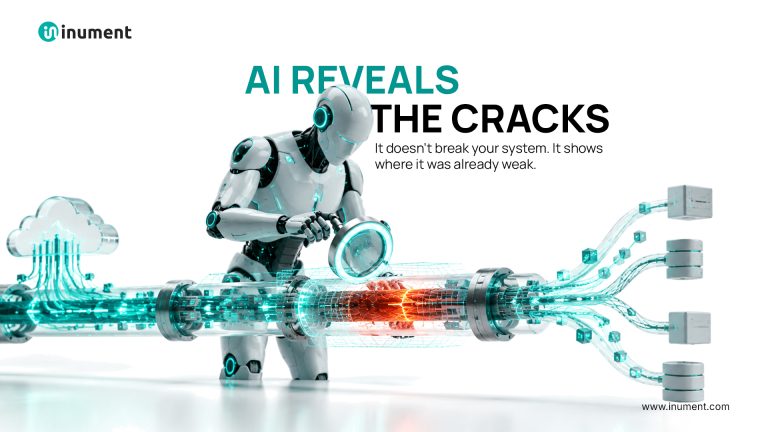
This is the uncomfortable truth about enterprise AI: an agent can be intelligent and still make an expensive mistake because the systems around it are not ready.
The Real Obstacle Is Not Always the Age of the Software
Legacy applications often run essential operations reliably. The trouble starts when an AI agent needs to act across several of them in real time.
A CRM may update instantly, while inventory synchronizes overnight. A finance system may allow employees to export reports but offer no controlled way for software to submit a request. Business rules may live in spreadsheets or in the heads of experienced staff.
These gaps matter. In a November 2026 Google Cloud survey, 49% of 1,250 US enterprise decision-makers said dependence on on-premises software had delayed, reduced, paused, or canceled AI or other technology initiatives.
That finding is not an argument for replacing every old application. It is a reason to examine where the workflow breaks.
Why Connecting an API Is Only Half the Job
Generative AI integration for enterprise systems needs more than an API endpoint. An agent must know whether the information it receives is fresh, whether it has permission to act, and whether an action has already succeeded.
Consider three common failure points:
Stale data: An agent reads stock numbers from a nightly export and promises goods that have already shipped.
Duplicate actions: A payment request times out. The agent retries, unaware the first submission went through.
Excessive access: An agent that should read invoices can also edit supplier bank details.
The engineering response is specific: show data timestamps, use idempotency keys to prevent duplicate writes, enforce least-privilege permissions, and maintain a human approval route for sensitive decisions.
These controls rarely appear in an impressive demo. They determine whether an agent can be trusted on Monday morning.
Connect, Modernize, or Replace? A Practical Decision
A full rebuild is often the most expensive answer and not necessarily the best one.
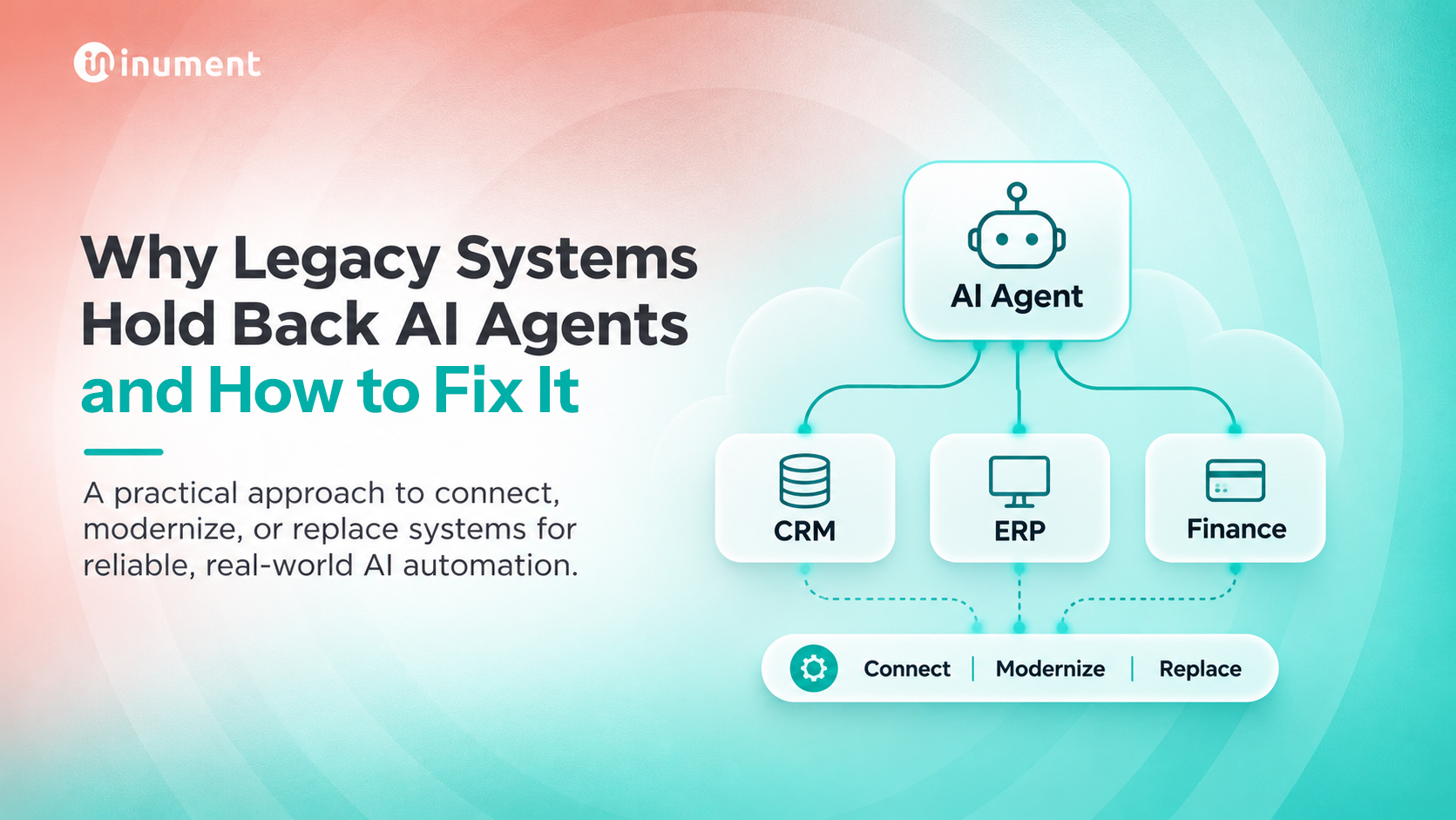
Connect the existing system when it performs reliably, its data can be accessed safely, and the main problem is the lack of an interface. A secure API or integration layer may be sufficient.
Modernize one component when outdated batch jobs, tightly coupled code, or inconsistent data repeatedly interrupt a high-value process. Replace that component while keeping the rest running. AWS’s strangler fig pattern describes this incremental approach.
Replace the system when it cannot meet essential security, reliability, support, or integration requirements at a reasonable ongoing cost. Make that call using evidence, not simply because the software is old.
The key question is: Which change removes the most operational friction for the least acceptable risk?
A Five-Step Route to AI-Ready Operations
1. Choose one workflow, not a company-wide transformation. Start with supplier onboarding, invoice exceptions, or customer order updates. Pick something with a measurable baseline.
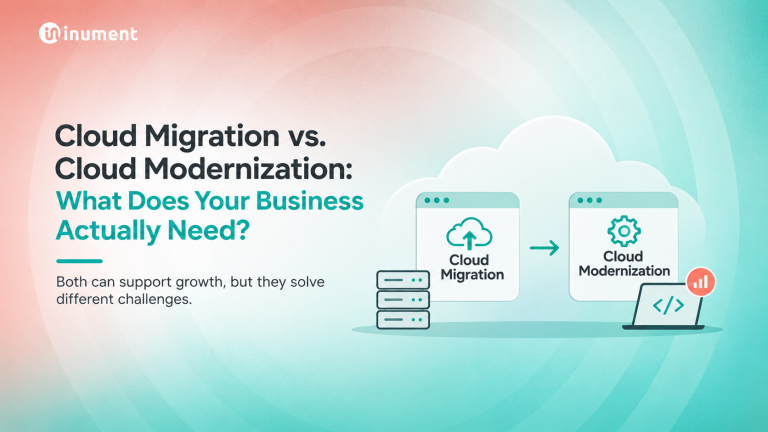
2. Map every handoff. Identify the system of record, data owner, update frequency, manual workarounds, and approval requirements. Inument’s cloud architecture perspective makes the same distinction: moving systems to the cloud does not automatically connect them.
3. Build a narrow, secure action layer. Give the agent only the functions it needs. Separate reading a record from changing it, and log significant actions.
4. Test real-world failures. Simulate outdated records, duplicate requests, missing permissions, and unavailable APIs. Build recovery paths and human escalation before launch. NIST’s Generative AI Profile offers a useful risk-management reference.
5. Measure outcomes in the workflow. Track completion rate, handling time, corrections, and escalations. Model response speed alone will not tell you whether the business improved.
The Business Case Your Leadership Team Needs
Before approving a wider rollout, compare the cost of engineering and oversight with the value of fewer manual steps, faster resolution, and avoided errors.
A simple starting point is monthly cases × minutes saved per case × loaded staff cost per minute. Then subtract operating costs and factor in exception handling. This is a model to validate with your own data, not a guaranteed saving.
As Inument notes in its article on AI reliability debt, evaluation, monitoring, and fallback processes must be part of the production plan.
Inument’s published financial-services work includes AI-driven lending, fraud detection, and encrypted APIs connecting services. These are examples of the backend engineering capabilities that dependable automation requires.
Start With the Workflow, Not the Model
Legacy system modernization services can be valuable, but modernization without a defined business outcome becomes another costly IT project.
If your AI pilot works yet cannot reliably access data or complete transactions, identify one critical workflow and test what it would take to make that workflow production-ready.
Inument combines AI transformation with custom software engineering to address those connections. Bring one workflow, its bottlenecks, and the outcome you need to improve that is a more useful starting point than another AI demo.