 Let’s Talk
Docker Container Basics: Part 1
26 October 2023
|
 Inument


Docker
This article is crafted with The Docker Container Basics. Docker Docker is a high-performance platform engineered to package, deploy, and scale applications within isolated environments called containers. By leveraging the host OS kernel, Docker ensures every application remains fully decoupled from others, achieving true immutability. This modern approach to containerization allows developers to move away from heavy virtual machines toward a more efficient, cloud-native infrastructure. Containerized Application.

Docker Daemon
The Docker Daemon is the core background engine responsible for managing the lifecycle of your technical ecosystem. It handles the creation and coordination of all Docker objects, including images, containers, networks, and persistent storage volumes.
Dockerfile
Dockerfile is a simple text file that consists of instructions to build Docker images. A Dockerfile serves as your Infrastructure as Code (IaC). It is a declarative text file containing the exact, deterministic instructions required to assemble a Docker image. For example, when building a Java Todo Application, the Dockerfile ensures the environment is reconstructed identically every time, eliminating configuration errors.
For example – we want to create a Docker image based on a build Java Todo Application in your local machine.

Docker Image
Docker Image is the executable package of a software that includes everything needed to run the application. A Docker Image is a read-only, executable snapshot that serves as the foundation for immutable infrastructure. It bundles everything—code, runtime, and system tools—into a single package. You can pull these verified images from a Docker Registry, such as Docker Hub or Amazon ECR, and deploy them instantly across any local or cloud environment.
Where do we find/store docker images ?
- Docker Hub (Public repository)
- Amazon ECR (Elastic Container Registry) (Public and Private repo)
Docker Container
Docker Container A Docker Container is the live, operational instance of a Docker Image. It functions as a secure sandbox environment where the application runs in complete isolation from the host system and adjacent containers, ensuring process stability and security.

Docker Volume
Docker Volume Containers are inherently ephemeral, meaning data is lost if the instance is removed. Since a database like MySQL requires a stateful setup where data must survive restarts, Docker Volumes are utilized. Volumes decouple data from the container’s lifecycle, providing persistent storage that remains intact even if the application layer is updated or deleted.
Volumes allow you to persist data generated by containers and share data between containers.
Docker Networking
Without networking someone’s cool features are never recognized to the outside world. Same for Docker. To transition from isolated code to a functional microservices architecture, containers must be reachable. Docker Networking provides the digital bridge for service discovery, allowing containers to communicate internally and exposing your application’s features to the external world.
Mastering Docker Container Basics is the first step toward building scalable, high-performance software. By utilizing containerization, you ensure that your applications are portable, secure, and ready for a microservices architecture. At Inument, we leverage these advanced technologies to bridge the gap between complex infrastructure and efficient development, ensuring that every project we touch is built on a foundation of stability and innovation.
More articles

AI Reliability Debt: The Hidden Cost of Production AI Systems
14 September 2026
Quality Assurance Isn’t a Cost. It’s What Stands Between You and a Bad Reputation
07 September 2026
AI Can Generate Code. Can It Maintain the Codebase Six Months Later?
17 August 2026
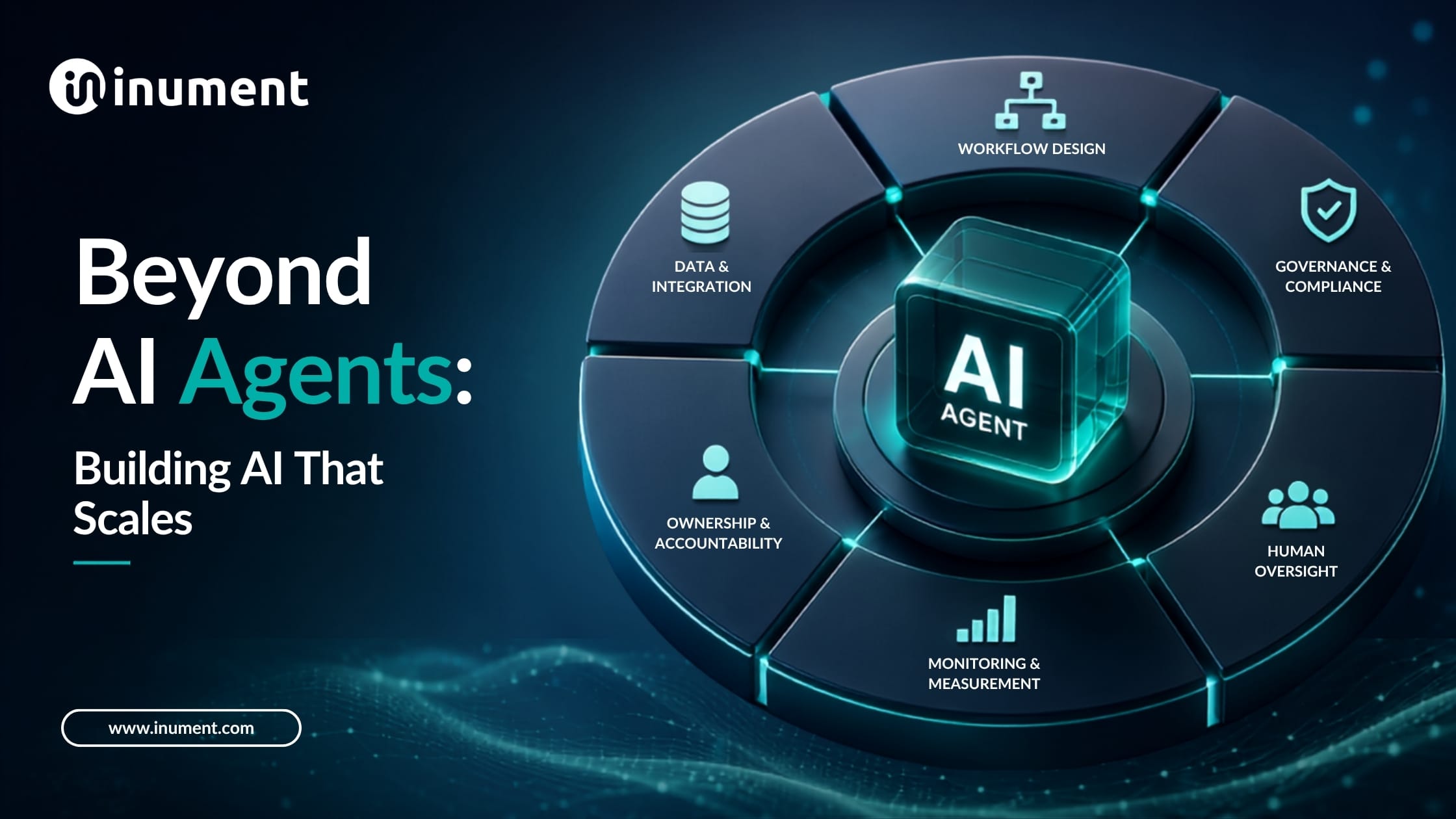
Beyond AI Agents: How to Build the Operating Model That Makes AI Work at Scale
27 July 2026
Scale Custom AI Agents in 11 Weeks Without System Friction
13 July 2026

0 Comments