 Let’s Talk
No-Code vs. Custom Development: A Smart Guide for Your Next Software Decision
8 September 2025
|
 Inument


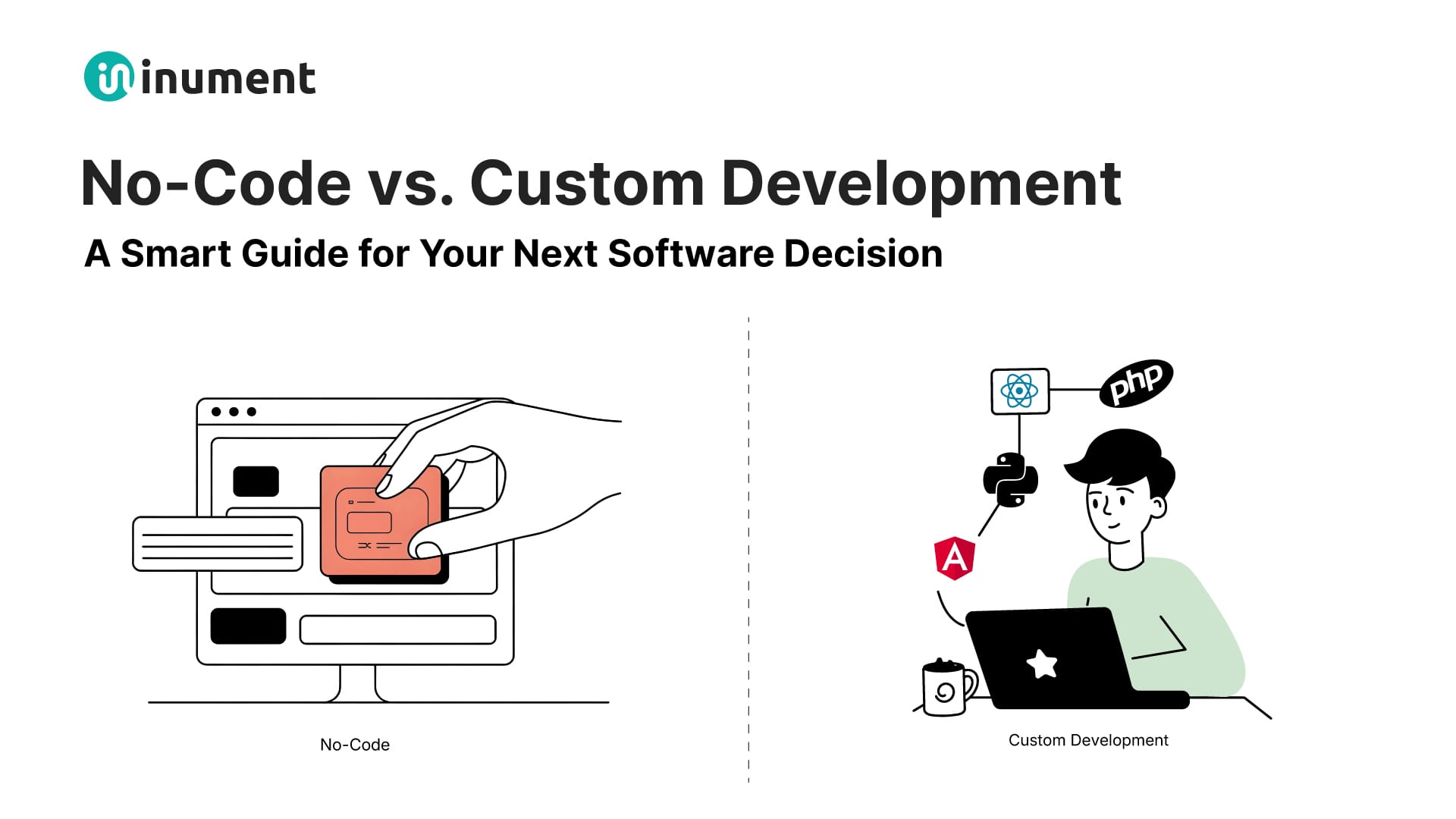
Businesses are constantly looking for ways to develop and deploy software quickly, cost-effectively, and with minimal hassle. The rise of no-code platforms has made it easier than ever to build applications without needing to write a single line of code.
However, as businesses scale and their needs grow more complex, custom development often becomes the go-to solution with all its flexibility and scalability.
But how do you decide which path to take? Should you go for no-code solutions for faster deployment and lower costs, or invest in custom development for a tailored, scalable product that meets your unique business needs?
In this guide, we’ll explore the key differences between no-code and custom development, their pros and cons, and help you decide which approach aligns best with your business objectives, project requirements, and long-term growth.
Let’s dive in and find the perfect solution for your next software development project!
What is No-Code Development?
Imagine being able to build your own app or website without needing to know a single line of code. With no-code development, that’s exactly what you can do. No-code development refers to the practice of creating software applications using a visual interface without the need for writing any code.

Source: Locus Tec
Instead of writing complex code, you can simply drag, drop, and customize pre-built components to create a fully functioning application. These platforms typically offer pre-made modules and features (e.g., forms, databases, user authentication) that can be customized with just a few clicks.
From non-technical entrepreneurs to business managers, no-code development allows absolutely anyone to design and deploy their own applications quickly and without a deep understanding of programming languages.
No-code platforms like Bubble, Webflow, Adalo and more deliver intuitive drag-and-drop builders and pre-built templates that allow users to create websites, mobile apps, and even complex workflows without needing to rely on developers.
No-code platforms also include integrations with other services like Stripe for payments, Google Sheets for data storage, or Zapier for automation, enabling users to build sophisticated applications with minimal effort.
Pros and Cons of No-Code Development
No-code development is a fantastic option for many businesses, especially those in the early stages or those with limited budgets. It’s a fast, cost-effective solution to get your ideas off the ground without the need for an extensive development team.
However, like any tool, no-code platforms come with their own set of advantages and limitations. Let’s break them down:
Pros:
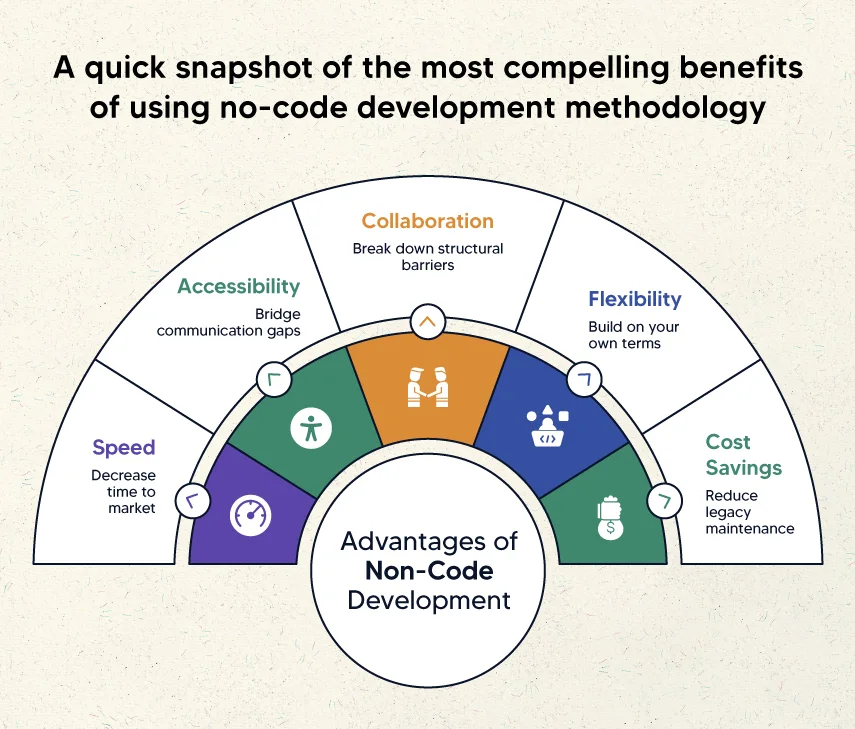
- Cost-Effective: Significantly cheaper than hiring full-time developers or a development agency.
- Lower Maintenance: Most platforms offer automatic updates, reducing ongoing technical debt.
- Rapid Prototyping: Quickly test ideas and features before investing in a more complex build or heavy financial commitment.
- User-Friendly: No coding experience required, allowing non-technical teams to take charge.
- Faster Time-to-Market: Build and deploy applications in weeks, not months.
Source: Kellton
Cons:
- Limited Customization: Complex features or unique workflows might be difficult to implement.
- Scalability Issues: As your needs and traffic grow, no-code solutions can become restrictive and hard to modify.
- Vendor Lock-In: You rely on the platform provider, which means limited control over your app’s future.
- Security Risks: Some no-code platforms may lack advanced security features needed for sensitive applications.
In short, no-code development is a great solution for quick, lightweight apps or prototypes, but for complex, large-scale projects, custom development may be a better fit.
What is Custom Development?
Custom development is the process of creating software from scratch according to specific business needs, workflows, and goals.
Unlike no-code platforms, which use pre-built templates and modules, custom development involves writing code to create a solution that is uniquely tailored to your specific business requirements.

Source: RedixCode
In custom development, you work with a development team (internal or outsourced) to build a highly personalized application that meets your precise requirements; whether it’s a mobile app, enterprise software, or a complex web platform.
It works something like this: The process starts with gathering requirements to understand exactly what the software needs to achieve. Next, the design phase creates user-friendly interfaces and experiences tailored to your business goals.
Then, the development team writes custom code to bring the design to life, building out the necessary functionality and features. After development, the software undergoes testing to ensure it performs as expected and meets your requirements.
Once everything is finalized, the solution is deployed and made live. Ongoing maintenance and updates are then provided to keep the software aligned with evolving business needs and industry standards.
Custom development provides the highest degree of flexibility, but it comes with a higher cost and longer timeline compared to no-code solutions. It’s perfect for businesses that need tailored solutions, complex functionalities, or long-term scalability.
Pros and Cons of Custom Development
Custom development offers businesses the flexibility to create exactly what they need but also comes with its own set of challenges. Understanding the pros and cons can help you decide if it’s the right choice for your next project.
So, here goes:
Pros:
- Tailored to Your Needs: Built specifically for your business’s unique requirements and workflows.
- Scalability: Easily scales to meet growing business demands and user requirements.
- Complete Control: Full ownership of features, security, and software updates.
- Competitive Advantage: Offers unique features that differentiate you from competitors.
- Long-Term Investment: Reduces long-term costs by eliminating recurring fees and limitations.

Source: Gigster
Cons:
- Higher Initial Cost: Requires a larger upfront investment compared to pre-built solutions.
- Longer Development Time: Building from scratch takes more time than using ready-made platforms.
- Ongoing Maintenance: Requires regular updates and maintenance to keep the software running smoothly.
To sum up, custom development offers the flexibility and control needed to create a truly unique solution. While the upfront cost and time may be higher, the long-term benefits make it an investment worth considering for businesses with specific needs and growth ambitions.
Key Differences Between No-Code and Custom Development
When it comes to developing software, businesses face a crucial decision: should you opt for the speed and convenience of no-code platforms, or the full flexibility and scalability of custom development?
Both have their strengths, but they cater to different needs and project goals.
In this section, let’s break down the key differences between no-code and custom development, helping you understand which approach aligns best with your business needs, budget, and long-term vision.
1. Development Speed
Development speed is a major factor. With no-code, you can quickly deploy apps or prototypes, often within hours or days, which is ideal for businesses needing fast experimentation or MVPs. The pre-built templates and drag-and-drop functionality significantly speeds up the development cycle.
In contrast, custom development tends to take longer, often spanning weeks or even months, especially when dealing with complex or large-scale projects. The process is slower but more deliberate as it involves custom coding and thorough testing. While no-code delivers fast results, custom development provides a deeper, more robust solution.
2. Cost Implications
When it comes to cost, no-code development is generally less expensive upfront. You don’t need to hire a full development team, but there are ongoing subscription fees for the platform.
On the other hand, custom development requires a higher initial investment, as you’re paying for experienced developers, designers, and project management, but this can be a more cost-effective long-term option as it eliminates recurring platform fees.
3. Scalability and Flexibility
While no-code platforms allow you to create apps based on templates and predefined features, you’re often limited in what you can truly customize. Especially when it comes to large, complex applications; this approach may struggle with customization beyond predefined templates.
Scalability also plays a major role in decision-making. No-code is great for small-scale apps or early-stage prototypes, but it can struggle when handling larger volumes of data or more complex workflows.
Custom development, by contrast, offers the ability to scale infinitely as your business grows, ensuring that your software can handle increased demand without sacrificing performance.
This approach also offers complete flexibility to build anything from the ground up, tailored precisely to your business’s unique needs and processes. Scalability and customization are areas where custom development clearly outshines no-code.
4. Technical Accessibility
In terms of technical expertise, no-code development is incredibly accessible. Anyone can build an app with a simple drag-and-drop interface, making it ideal for businesses without dedicated development teams. However, this simplicity comes with limitations.

Source: Scalable Path
Custom development, on the flip side, requires a skilled technical team with coding expertise to handle more sophisticated projects, but it opens the door to creating highly personalized solutions.
5. Customization Limitations
One of the key factors businesses often consider when choosing between no-code and custom development is customization. No-code platforms offer limited flexibility when it comes to customizing features or workflows.
While you can adjust templates and drag-and-drop elements, you’re still constrained by the platform’s pre-built structures. If your business requires highly specialized features or complex integrations that go beyond what the platform offers, no-code might fall short.
On the other hand, custom development gives you unlimited customization options; from tailored features and unique design elements to integrating with specialized tools and systems. You can design the system, architecture, and functionality exactly as required.
However, this flexibility comes with its own cost, as building truly custom solutions requires careful planning, development expertise, and more time.
The trade-off between the simplicity of no-code and the power of custom development is essentially a question of how specific and scalable you want your solution to be.
6. Ownership and Control
Lastly, in terms of long-term ownership, no-code platforms often come with vendor lock-in, meaning you rely on the platform’s future decisions regarding pricing, features, and availability. If you need to pivot mid-project, you might be subject to changes in pricing or terms.
With custom development, you retain full ownership of the code, giving you the flexibility to evolve your product as you see fit, without being at the mercy of third-party providers.
In conclusion, no-code is perfect for businesses that need to quickly test ideas, build prototypes, or create simple applications without significant investment. On the other hand, custom development is ideal for businesses that require tailored solutions, scalability, and long-term flexibility to meet complex needs and ensure growth.
No-Code vs. Custom Development: Which One to Choose?
While no-code development offers a fast and budget-friendly solution, custom development delivers a fully tailored solution for complex needs. That’s why choosing the right development approach is essential for successfully building your software and aligning with your business goals.
Here’s how to decide which approach is best for your business:
When to Choose No-Code Development
No-code development is perfect for businesses that need to quickly launch an app or validate an idea without a large upfront investment. It’s an ideal choice for startups or small businesses that want to build and test an MVP (Minimum Viable Product) without waiting for months of development.
If your requirements are simple, such as building a basic website, an internal tool, or a landing page, no-code platforms can get you up and running in no time. Additionally, if you lack a technical team and need to build something rapidly, no-code is a cost-effective and fast solution.
However, if your product is likely to grow and require complex functionalities or scalability in the future, no-code may not be the best long-term choice.
When to Choose Custom Development
On the other hand, custom development is the best choice if you need a unique solution that is tailored to your specific business requirements. For complex projects that require advanced functionality, integrations, or scalability, custom development is a must.
If your product has a long-term roadmap and you anticipate growth, a custom solution will allow for continuous improvement and adaptation without being restricted by the limitations of no-code platforms.
Custom development is the go-to option for businesses needing full control over their software, data security, or compliance requirements. It’s ideal when your project requires unique business logic, specific integrations, or must align with industry standards that no-code platforms can’t provide.
At the end of the day, both no-code and custom development have their place, and the best choice depends on your project’s scope, time-to-market, budget, and future growth plans.
Wrapping Up: Choosing the Right Path for Your Software Project
Whether you’re aiming for speed and cost-efficiency with no-code, or the flexibility and scalability of custom development, the best approach depends on your business needs, project complexity, and long-term goals.
Remember, no-code is great for fast MVPs and simple applications, while custom development offers tailored solutions and greater control for more complex, scalable systems.
If you’re still unsure about which approach fits your project or need expert guidance to kickstart your software journey, Inument is here to help. Let’s discuss how we can guide you to the perfect solution tailored to your unique needs.
Ready to build the right solution for your business?
Reach out to us today to schedule a free consultation, or explore more insights in our other blogs to make an informed choice!
Let’s build something that works for you.
3 Comments

AI Reliability Debt: The Hidden Cost of Production AI Systems
14 September 2026

Quality Assurance Isn’t a Cost. It’s What Stands Between You and a Bad Reputation
07 September 2026
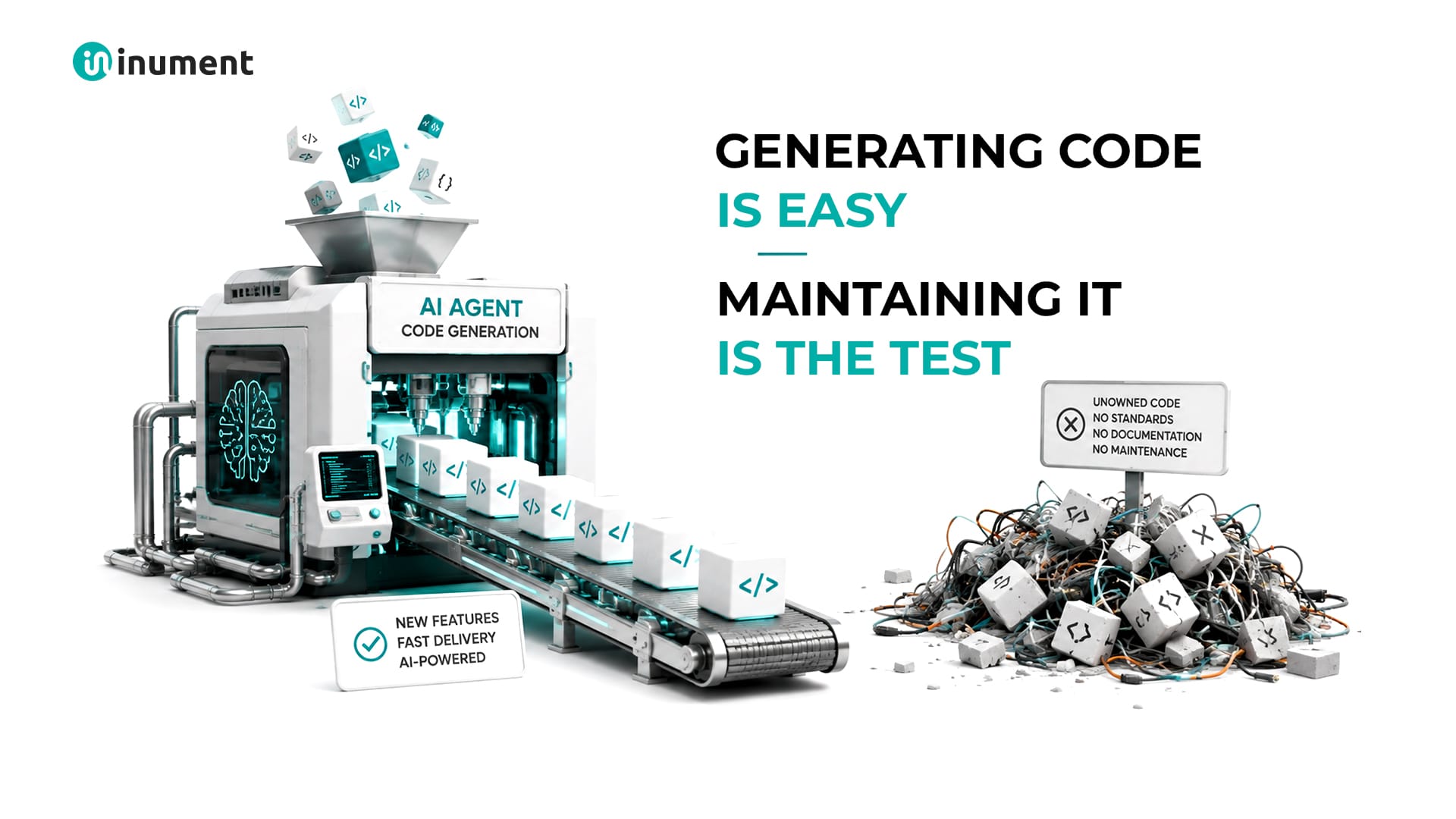
AI Can Generate Code. Can It Maintain the Codebase Six Months Later?
17 August 2026
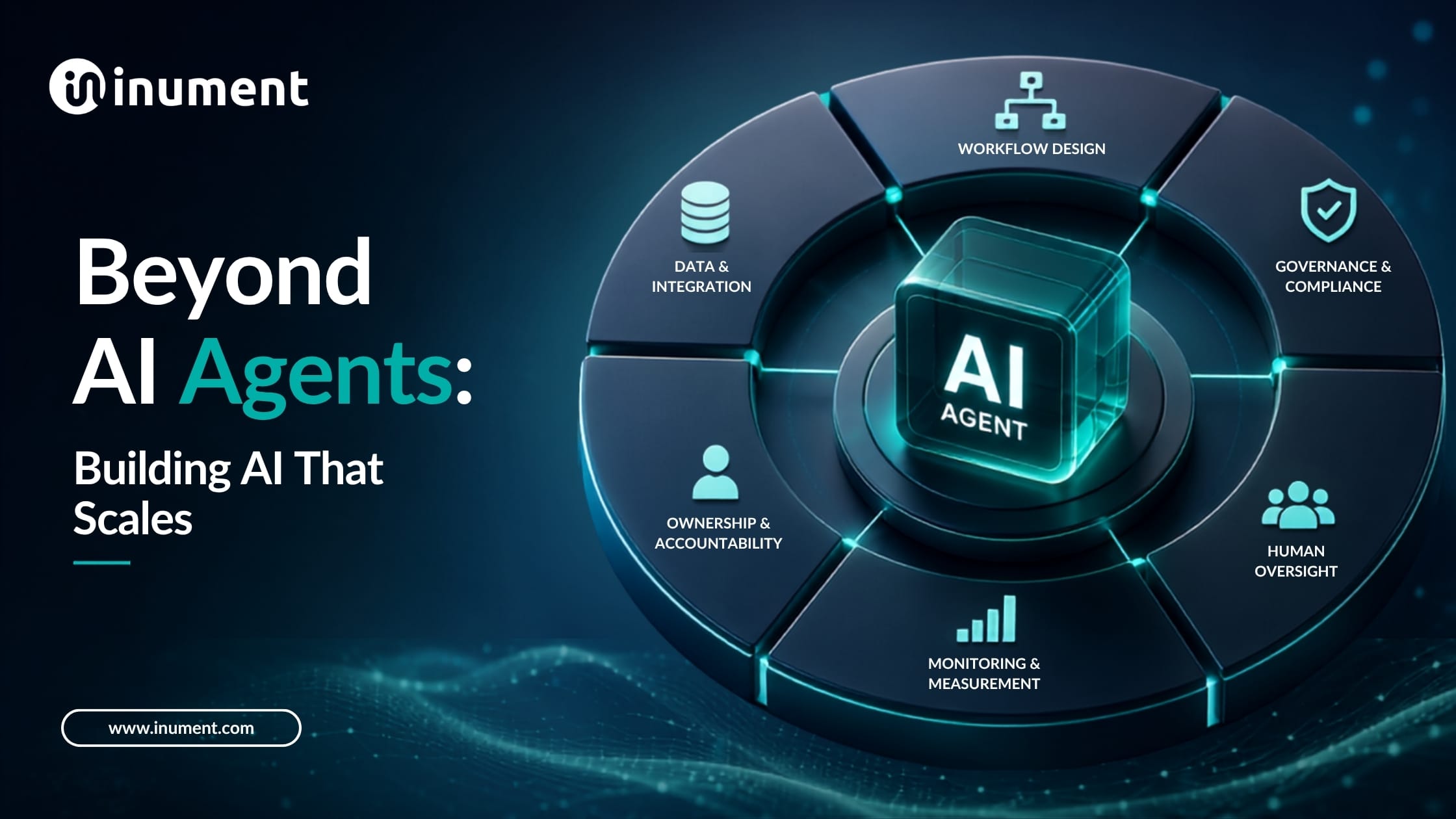
Beyond AI Agents: How to Build the Operating Model That Makes AI Work at Scale
27 July 2026
Scale Custom AI Agents in 11 Weeks Without System Friction
13 July 2026

marcus baker
6 February 2026
“.Thanks for this clear comparison of no-code vs custom development! I really appreciated how you outlined the strengths and limitations of each approach — from the speed and ease of no-code platforms that help non-technical founders prototype quickly, to the scalability, flexibility, and performance control that come with custom development. It’s great to see practical guidance that helps teams decide which path fits their business goals, complexity requirements, and long-term vision without glossing over the trade-offs involved.On a related note, I have read a similar blog on https://mobisoftinfotech.com/services/golang-consulting-development where the focus is on custom golang development services and how professional support can help teams build scalable, efficient backend applications using Go — a useful complement if anyone is exploring the custom development side of technology choices alongside no-code options.Great article — thanks for sharing these helpful insights!”
marcus baker
6 February 2026
“.Thanks for this clear comparison of no-code vs custom development! I really appreciated how you outlined the strengths and limitations of each approach — from the speed and ease of no-code platforms that help non-technical founders prototype quickly, to the scalability, flexibility, and performance control that come with custom development. It’s great to see practical guidance that helps teams decide which path fits their business goals, complexity requirements, and long-term vision without glossing over the trade-offs involved.On a related note, I have read a similar blog on https://mobisoftinfotech.com/services/golang-consulting-development where the focus is on custom golang development services and how professional support can help teams build scalable, efficient backend applications using Go — a useful complement if anyone is exploring the custom development side of technology choices alongside no-code options.Great article — thanks for sharing these helpful insights!”
Vincent S. Quintero
19 February 2026
“This article presents a fair comparison between both approaches. https://mobisoftinfotech.com/services/software-development-company Businesses that outgrow no-code tools often move toward custom software development services for deeper integrations and performance control. Nicely balanced analysis.”